Hangboard Buzzer
Hangboard Buzzer is the interval timer that lets you stop staring at your phone and start hanging.
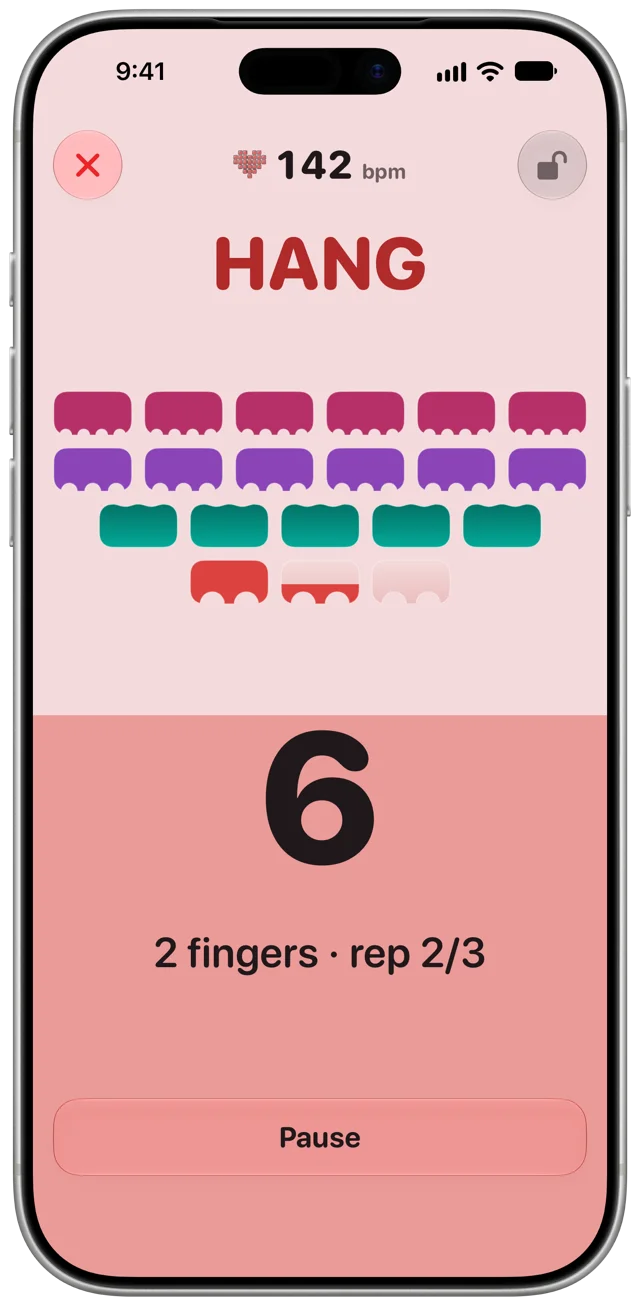
Set up in seconds. Pick a program based on a proven protocol, or build your own from scratch. Press Start, put the phone down and your headphones on, and Buzzer counts you through the workout.

Build your own programs
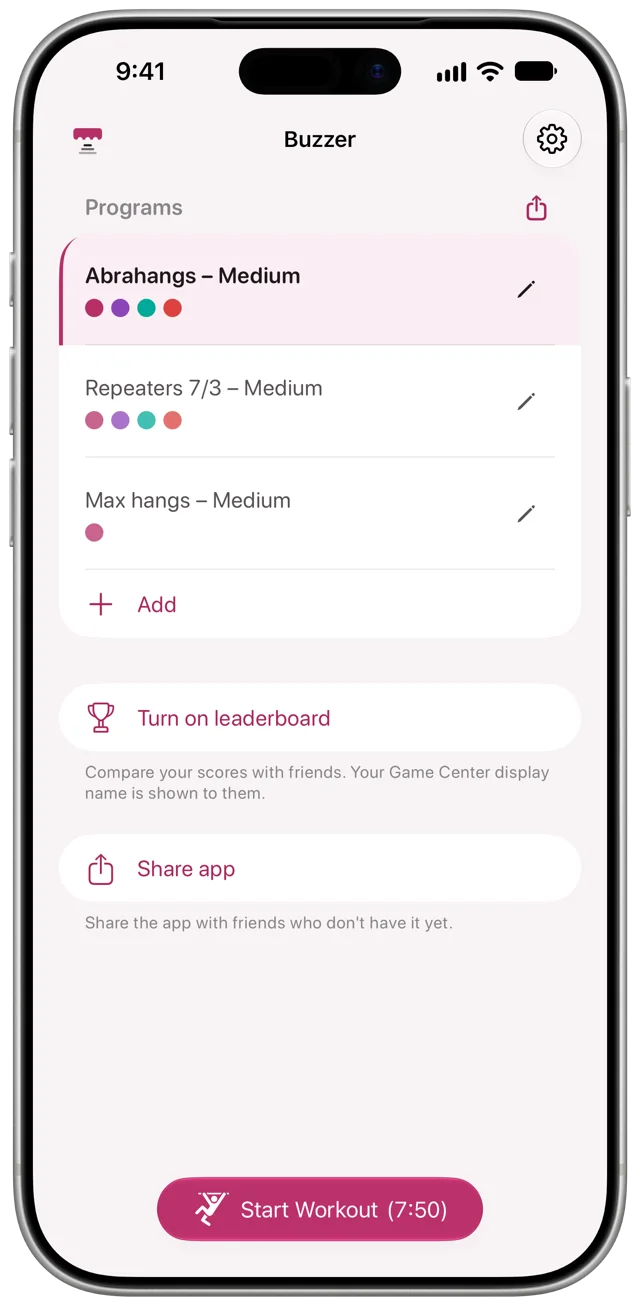
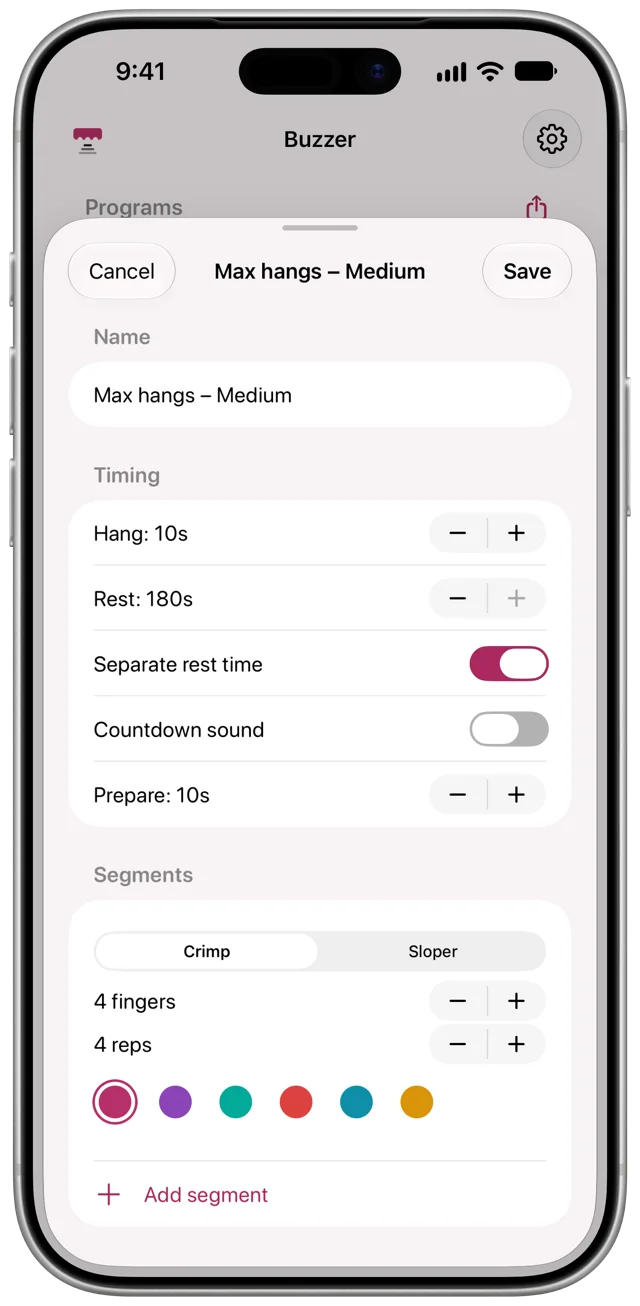
A program sets the hang time, the rest and a short countdown before you start. It is made of segments, and each segment has a finger count, a crimp or sloper grip and a number of reps. Save as many programs as you like.
Eyes off the screen
Sound and haptics tell you when to hang, when to rest and when you are done. Put the phone on the floor and hang.
Apple Health
If you allow it, each finished session is saved to Apple Health as a Climbing workout, with an estimate of the energy it burned.
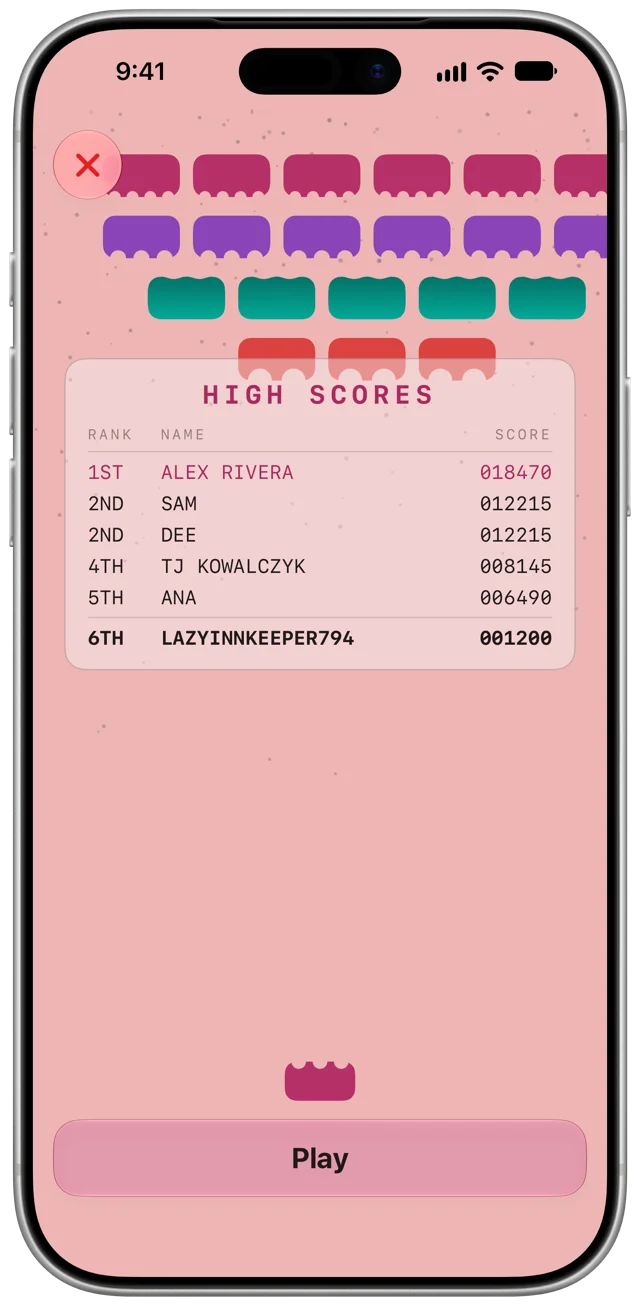
A little game at the end
After a session the outro turns into a small arcade game. Your score goes on a Game Center leaderboard.
Six themes
Pick the colours you like looking at between hangs.
Free and private
No ads and no account. The app collects no data. If you want to support it there is an optional tip jar.